Migrate authentication providers with fewer surprises
AuthShepherd helps engineering teams understand migration risks and move users safely between authentication providers.
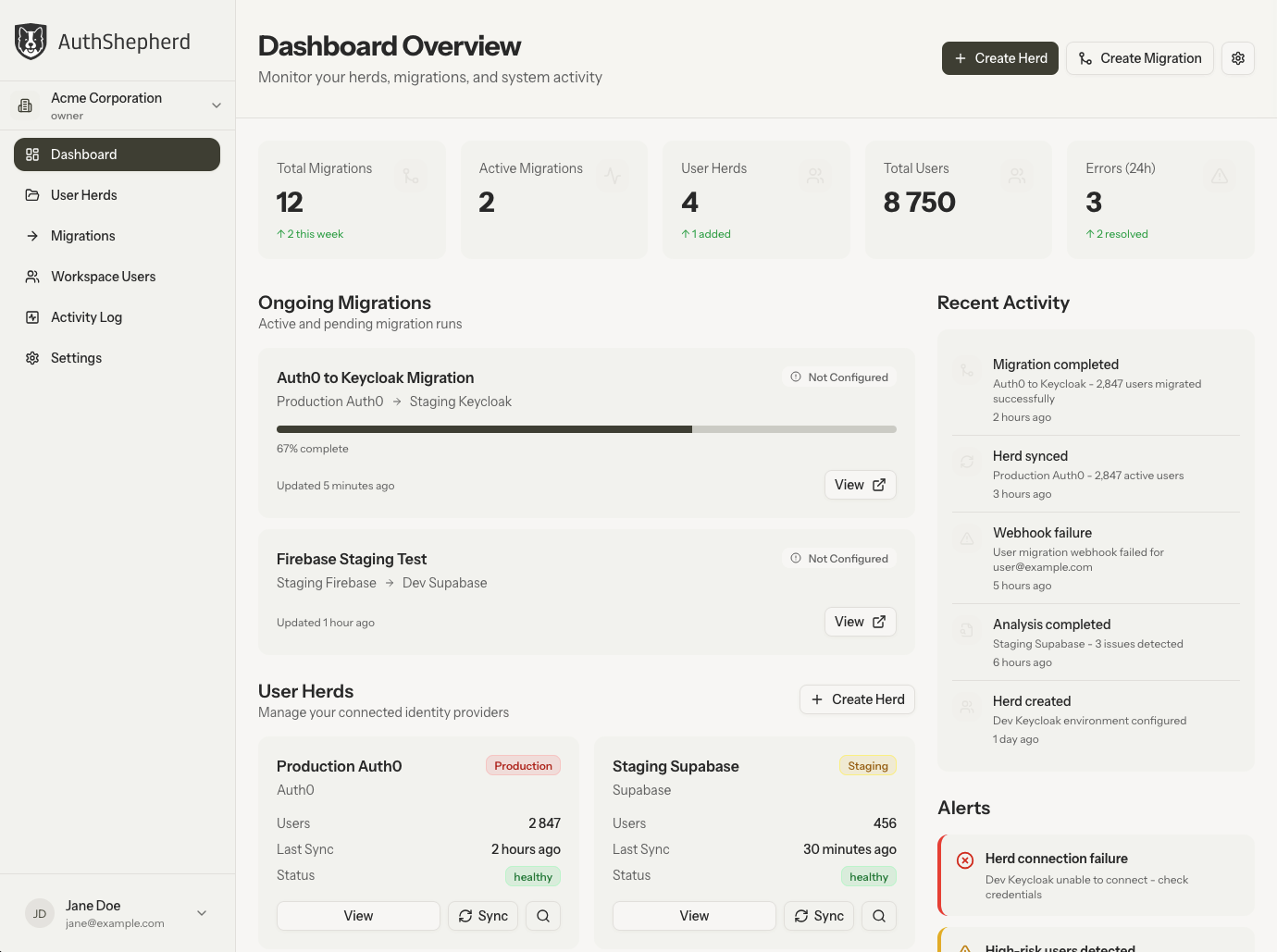
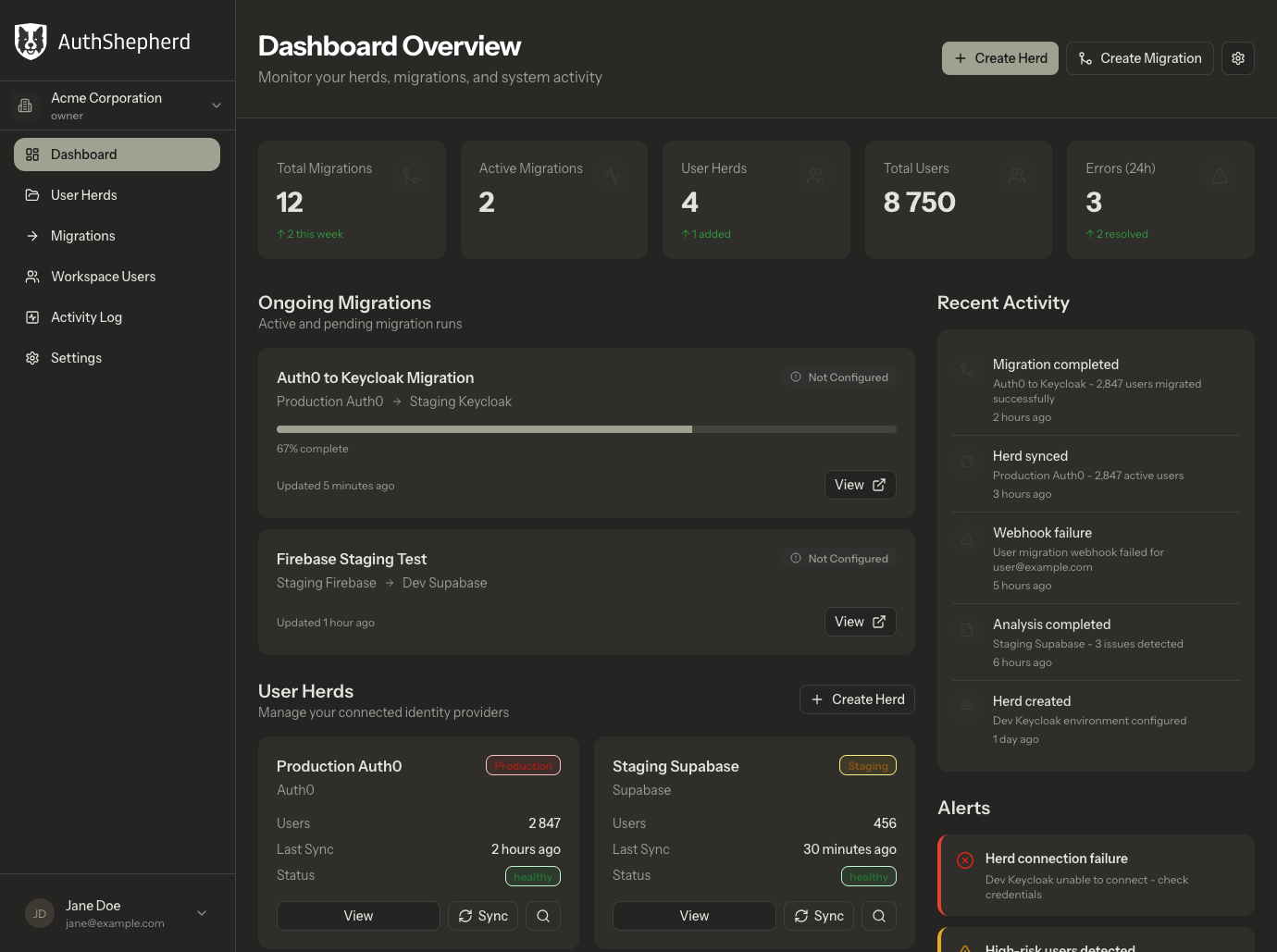
Auth migrations usually end up
as critical throwaway code
Migrating authentication providers often starts small and quickly becomes critical infrastructure work. User data, passwords, identities, queues, rate limits, email flows, hooks, and application databases are all involved, and most problems appear at cutover when real users start logging in. Teams end up stitching together one-off scripts for something that cannot fail.
- 1Export users (partial fields, inconsistent identifiers)
- 2Write custom import scripts and mapping logic
- 3Build a job runner for batching & retries
- 4Fight provider rate limits and throttling
- 5Monitor long-running background jobs manually
- 6Handle password resets and user comms
- 7Untangle social logins & identity linking
- 8Rebuild hooks/rules/token claims
- 9Update local DB references (RBAC tables, external IDs)
- 10Cut over in production and hope nothing breaks
- Rate-limits stall migrations mid-run
- Retry storms or duplicate users
- Jobs crash with no observability
- No dry-run, no subset testing
- Support load spikes after cutover
- 1Connect providers with least-privilege access
- 2Analyze users: activity, identities, risk flags, hooks
- 3Choose strategy: Bulk, Guided Reset, JIT, or Hybrid
- 4Dry-run + subset testing before full run
- 5Queue-based execution with batching, retries, and backoff
- 6Rate-limit aware runners per provider (safe throughput)
- 7Live progress, logs, and audit trail
- 8Branded comms: custom domain + email templates
- 9Callbacks/webhooks to sync your app database
- 10Post-migration report + follow-up actions
- Automatic batching & concurrency tuning
- Retry with backoff, deduplication safeguards
- Clear observability: logs, statuses, progress
- Pause/resume and partial runs
- Staging test runs first
Dry-run before production
Test with subsets and validate data before cutover
Rate-limit safe execution
Automatic batching and concurrency control per provider
Progress + audit logs
Real-time visibility into migration status and outcomes
Strategies that match user behavior
Choose the right approach based on your user base and requirements
How a migration works with AuthShepherd
A clear, controlled path from your current provider to the new one. Test in staging first, then migrate with visibility and clear checkpoints.
Connect providers
Sync and normalize users
Analyze risks
Choose a strategy
Test in staging
Run the migration
Verify and close out
There's no single "right" migration strategy
Each strategy balances user impact, operational risk, and implementation effort differently. The right choice depends on your user base, authentication setup, and how much disruption you can tolerate during cutover.
Bulk Password Reset
Export all users, import into new provider, then guide users through password reset. Best for smaller user bases or when you can tolerate some friction.
Guided Password Reset
Send branded emails to guide users through password reset with clear communication. Reduces disruption compared to generic resets.
JIT Migration
Users migrate on first login after cutover. Great UX for active users with no mass password resets required.
Hybrid
Mix strategies: JIT for active users, bulk reset for dormant users. Flexible approach for diverse user bases.
End-to-end support for auth migrations
AuthShepherd helps teams analyze migration risks, choose the right strategy, run migrations with observability, and keep application data in sync throughout the process.
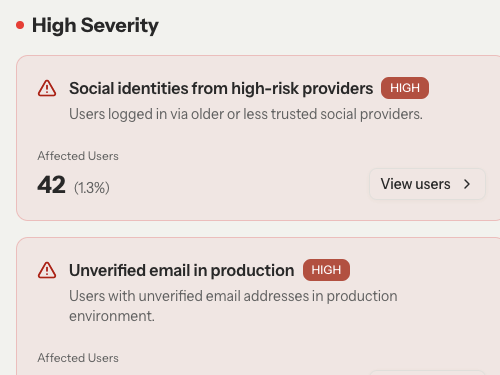
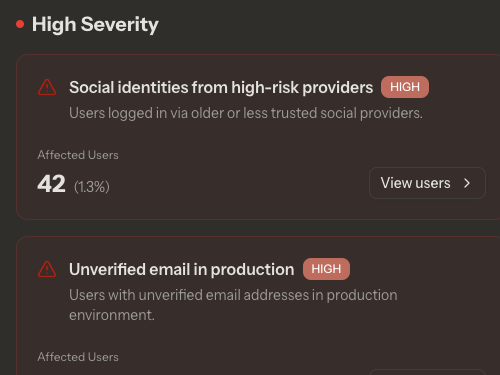
Analyze risks before cutover
Understand user activity, identities, hooks, and potential issues before you migrate.
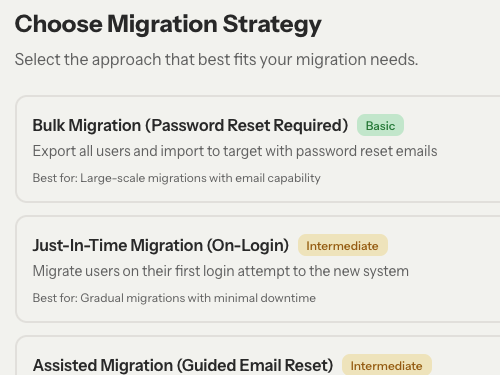
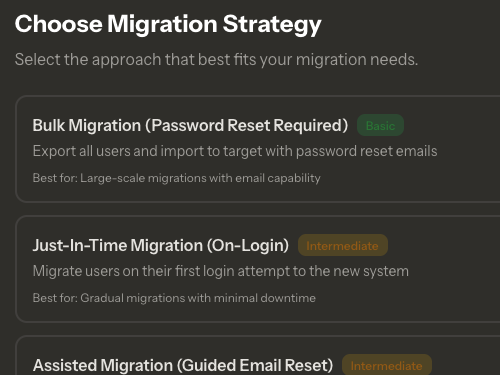
Support multiple migration strategies
Choose from bulk reset, guided reset, JIT migration, or hybrid approaches based on your needs.
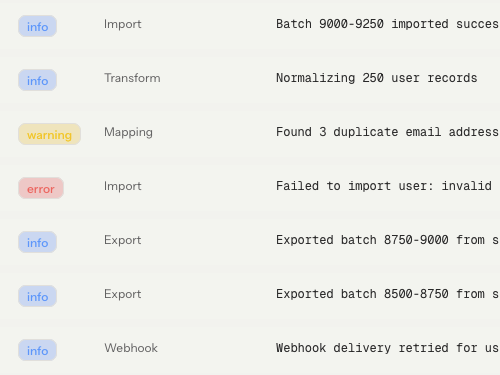
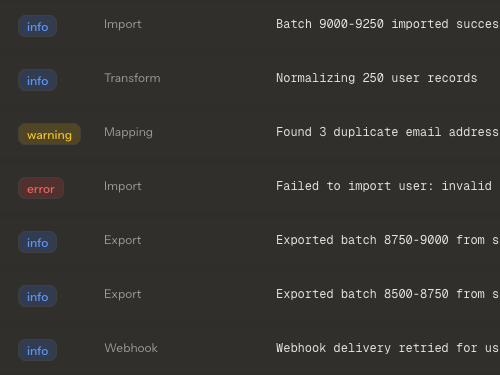
Run migrations with observability
Dry-runs, subset tests, logs, and progress tracking give you visibility throughout the process.
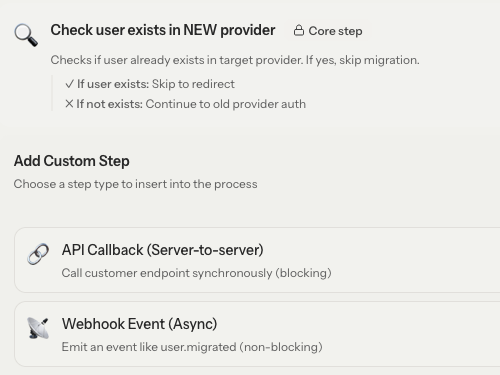
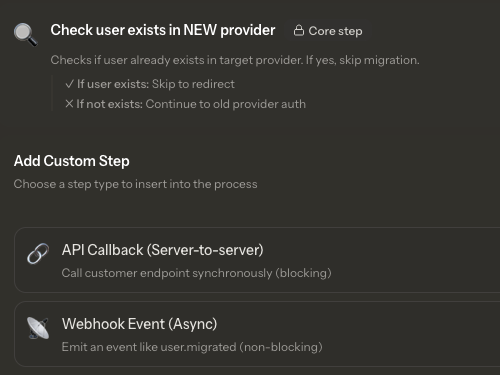
Integrate with your application
Callbacks and webhooks keep your local database in sync during and after migration.
Thinking about switching authentication providers?
Share a bit about your setup and we’ll help you understand the risks, trade-offs, and options before you touch production.